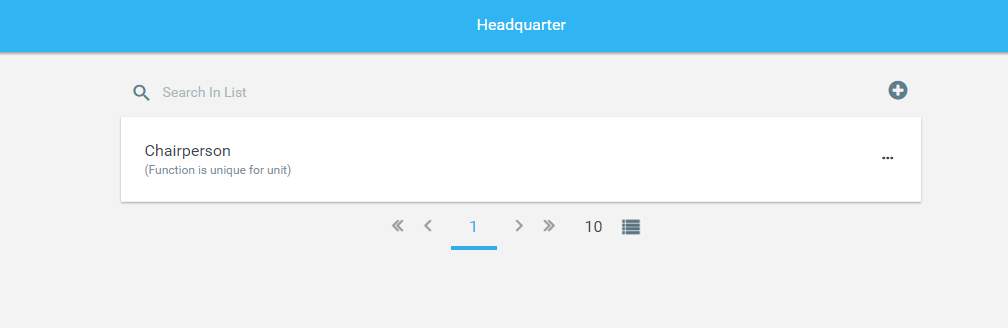
This tab allows the creation of individual functions within each section of Units. (See Units Article)

Here you will see a copy of each Unit Type made, under each of these you can select the "+" button and create a new Function within that Unit Type.
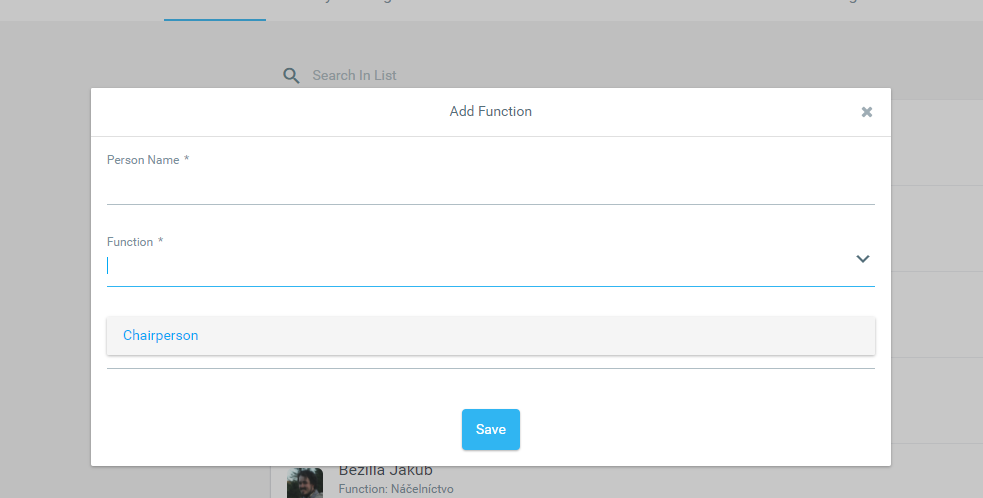
In the dialog window Add function, enter:

  • the function name,

  • the minimum age of the person who can be assigned this function (default value is 0 years).

After filling in the details, click Save.

💡 Tip: If the minimum age remains set to 0, the function can be assigned to any member regardless of age.

Optional settings – uniqueness and validity

When creating or editing a function, you can also configure the following optional parameters:

  • Function is unique within the unit – when this option is selected, the function can be assigned to only one person within the unit during the same time period.

  • Function validity period (dates from – to) – if validity dates are defined, the function can be assigned only within this specified period.

Example 1:
If a function is marked as unique within the unit and one person already has this function assigned for a given period, it cannot be assigned to another person during the same time.

Example 2:
If multiple people already have the same function assigned, and the function is later marked as unique,

  • existing assignments remain valid,

  • but no new assignments of the same function can be made.
    If one of the assigned functions ends (is removed or expires), and at least one person still holds a valid assignment, the function cannot be reassigned to another person until it becomes unoccupied.

💡 Tip: The uniqueness setting is recommended for roles such as Unit Leader or Main Treasurer, where only one person in the unit may hold that position.

Once created, you will be able to select this function in Units under the Unit type it was created in.Â